
AISC 360 + ACI 318-19
Steel Column Base Plate Design Calculator
AutoDesign’s base plate tool designs steel column base plates on concrete. It analyzes the plate with an in-browser MITC4 plate-on-Winkler finite-element model (compression-only bearing and tension-only anchor uplift), or a rigid elastic neutral-axis model (AISC Design Guide 1), and checks concrete bearing to AISC 360 and anchorage to ACI 318-19 Chapter 17.
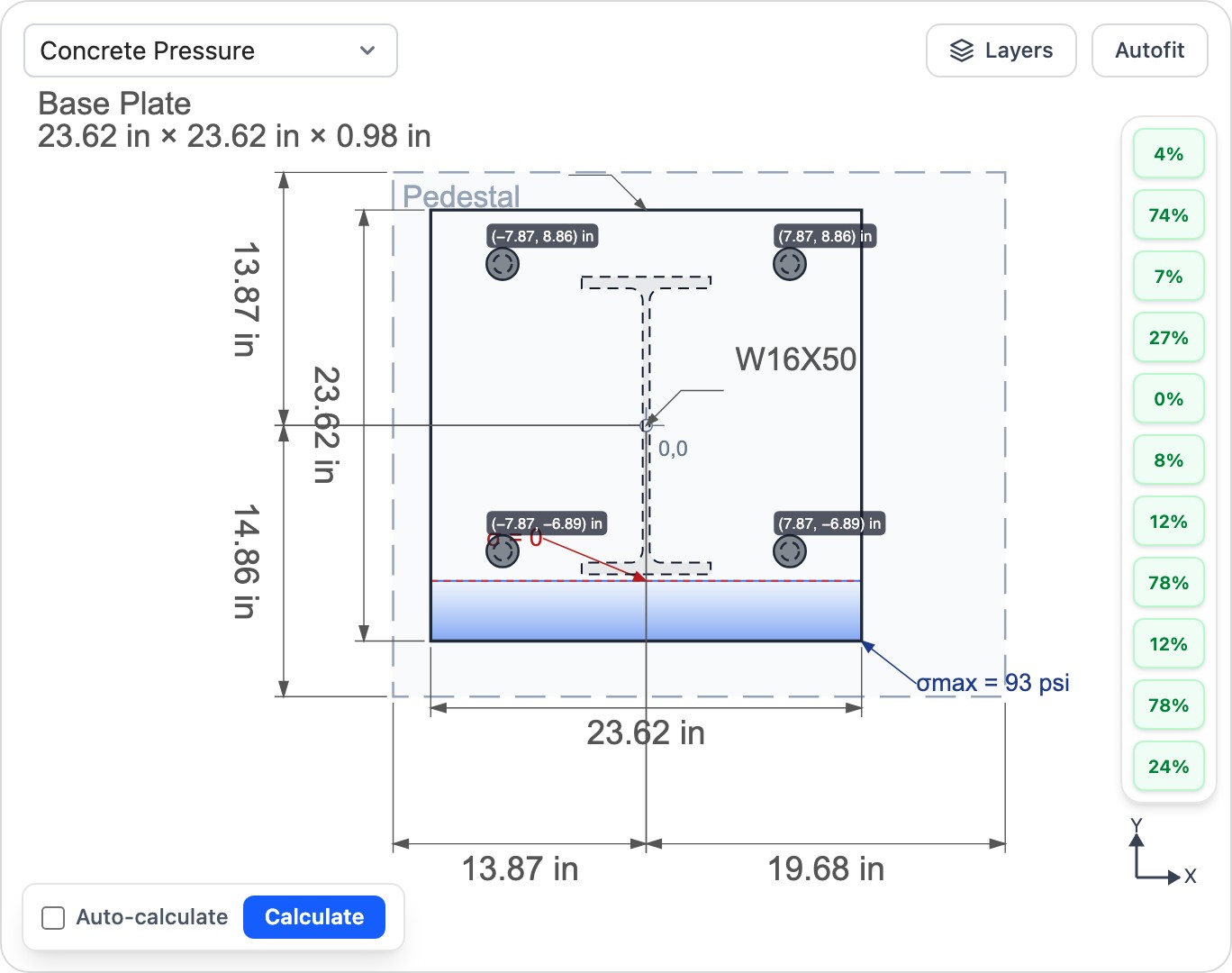
What this calculator does
- ✓Design steel column base plates with an FEM (plate-on-soil) or rigid AISC DG1 model
- ✓Concrete bearing (AISC J8) and plate flexural yielding (AISC J7 / Drake–Elkin)
- ✓Anchor steel tension and shear, concrete breakout (tension and shear), side-face blowout, pullout and pryout — ACI 318-19 Ch.17
- ✓Combined anchor tension–shear interaction (ACI §17.8) and the column-to-plate weld (AISC J2)
- ✓Selectable anchor-force basis (envelope of the FEM and the rigid AISC DG1 distribution)
Frequently asked questions
How is the base plate analyzed? +
Two models are available. The default is a MITC4 plate-bending finite-element model resting on Winkler soil/concrete springs, with compression-only bearing and tension-only anchors solved by an active-set method. A rigid elastic neutral-axis model (AISC Design Guide 1) is also available for a hand-check-style distribution.
Which anchor checks does it perform? +
Anchor steel tension and shear, concrete breakout in tension and shear, side-face blowout, pullout, pryout, and the combined tension–shear interaction — all to ACI 318-19 Chapter 17. The concrete anchorage checks are strength design (LRFD) only, following ACI 318-19, which has no allowable-stress method.
What anchor type does it model? +
Cast-in headed anchors (e.g. ASTM F1554). Concrete bearing and plate yielding support both LRFD and ASD; the ACI 318-19 anchorage checks are LRFD only.
Ready to run a design?
Open the Steel Column Base Plate Design Calculator in your browser — no install required.
Launch calculator