
AISC Manual Part 7
Bolt Group Analysis Calculator
AutoDesign’s bolt analysis tool computes the forces in an arbitrary bolt pattern under an arbitrary set of loads. Use the elastic vector method for per-bolt shear and tension, or the instantaneous-center-of-rotation method (AISC Manual Part 7) for the eccentric-shear coefficients. This is a force-analysis tool — it reports forces and coefficients, not capacity checks.
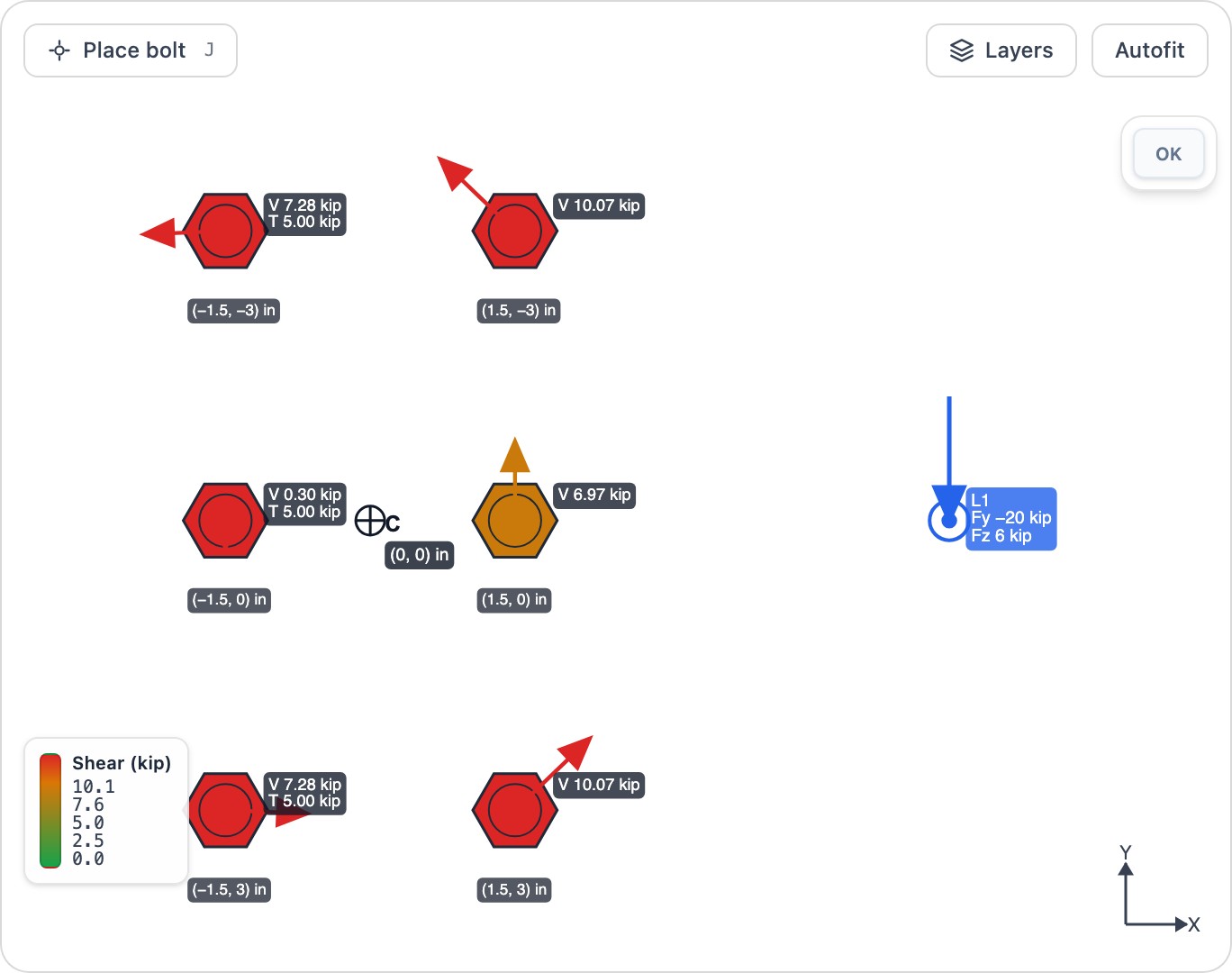
What this calculator does
- ✓Analyze arbitrary bolt patterns under combined force and moment loads
- ✓Elastic vector method: per-bolt in-plane shear (direct + torsion) and out-of-plane tension
- ✓ICR method (AISC Manual Part 7): coefficients C and C′, the instantaneous center and per-bolt forces
- ✓Report bolt-group geometric properties: centroid, Σx², Σy² and polar moment J
- ✓Force analysis only — no capacity checks or pass/fail (feeds a separate bolt-capacity check)
Frequently asked questions
Does this tool check bolt capacity? +
No. It is a force-analysis tool: it reports the shear and tension in each bolt (elastic method) and the group coefficients C and C′ (ICR method), but it does not apply bolt strengths or produce a pass/fail. Use the reported forces or coefficients with your bolt-capacity check.
What does the instantaneous-center method give me? +
For in-plane eccentric shear, the ICR method (AISC Manual Part 7) reports the effective-bolt coefficient C, the conservative elastic-vector coefficient C′, the instantaneous-center location and the per-bolt forces. It applies to in-plane shear only; out-of-plane loads fall back to the elastic method.
Does the bolt diameter affect the results? +
No. The elastic and ICR force distributions depend only on the bolt coordinates and the applied loads. The bolt diameter is used only to size the bolts in the drawing.
Ready to run a design?
Open the Bolt Group Analysis Calculator in your browser — no install required.
Launch calculator